What Is Claude AI? Can It Really Control Your Computer?
 Shubham Thakur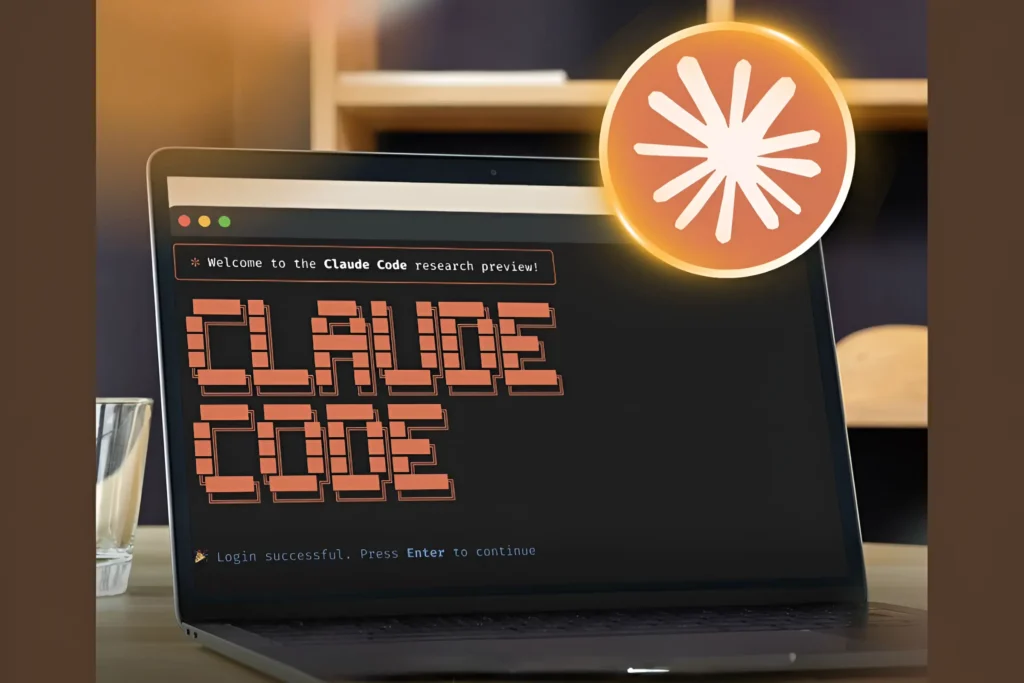
You might think that AI is only useful for answering questions or writing code. Now, we are entering an era where AI agents will not just be able to think but also perform actions. The latest update from Anthropic is pushing things to a whole new level.
Also Read:Anthropic Launches AI Code Review Tool to Detect Bugs in AI-Generated Code: What It Means for Developers
Its AI assistant, Claude AI, can now use your computer like a human, clicking, typing, opening apps, and even completing tasks on your behalf. So what exactly can Claude do? And more importantly, what does this mean for you? Let’s break it down in simple terms.
What Does “Controlling Your Computer” Actually Mean?
When we say that Claude can take over your computer, it doesn’t mean it magically takes over everything. Instead, it uses something similar to AI agents, which involve observing what occurs on your screen and interacting with software applications, just like a user would.
Think of it like this:
- It can open applications
- Navigate interfaces
- Click buttons
- Enter text
- Execute workflows step-by-step
Real-World Use Cases (From My Experience as a Developer)
I will explain how it relates to my life. Since I frequently have to deal with coding and content-related work, I have noticed that the repetitive actions take more time than expected. Simple things like launching my IDE, executing the code, and uploading everything to the cloud can add up very fast.
Recently, I have been using Claude to automate this process by sending it instructions such as “Open the folder for my project, execute the Python code, and upload the results to Google Drive” without having to do everything myself. In my opinion, this is no longer just some dream from the future but a very tangible form of automation that actually does help save time and effort.
How Claude AI Can Automate Debugging for Programmers
As a programmer, I know how much time debugging can take, especially when you’re stuck going back and forth between error logs and your code.
Recently, I have found myself thinking about, and even experimenting with, a more efficient approach wherein Claude would be able to read my error logs, launch my code editor, identify the problem, and either make recommendations for or directly implement the necessary changes. To me, this seems like an obvious extension of technologies such as GitHub Copilot, with the notable exception that it interacts directly with my workspace.
How It Actually Works
| Step | What Claude AI Does | Real Benefit |
| 1 | Reads error logs | Saves time understanding issues |
| 2 | Opens relevant files | No manual file searching |
| 3 | Identifies the bug | Faster root cause detection |
| 4 | Suggests or applies fix | Reduces manual coding effort |
| 5 | Tests the fix | Ensures code works properly |
Testing and QA Automation
If you’re into software testing, this is where things get exciting. Traditional QA automation requires scripting.
But with Claude:
- You can describe a test scenario in plain English
- It executes the steps visually
- Reports bugs or inconsistencies
Scenario: Login API Testing
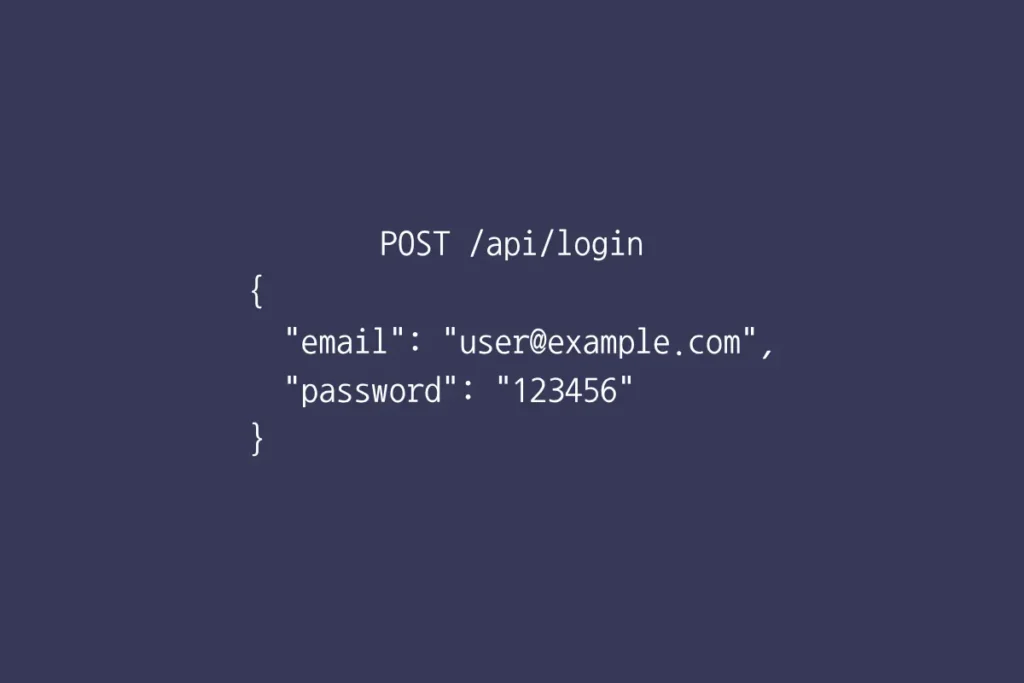
How Claude AI Automates Testing
| Step | What Claude AI Does | Real Outcome |
| 1 | Reads API documentation or code | Understands expected behavior |
| 2 | Generates test cases | Covers valid & invalid inputs |
| 3 | Runs automated tests | Saves manual QA effort |
| 4 | Detects failures | Highlights exact issue |
| 5 | Suggests fixes | Speeds up debugging |
How Is This Different From Traditional Automation?
This is based on my personal experience as well as working with various tools. Automation in traditional methods always involves specific criteria or parameters that need to be followed, gets broken immediately if there are any changes in the user interface, and needs good programming skills.
The automation process by Claude is entirely different in my opinion. Its ability to understand the context, adjust to changes in the UI, and operate according to natural language input is indeed the revolution we have been waiting for. It is not just about automation anymore but about AI reasoning, visual recognition, and execution altogether.
Security and Privacy Considerations
This is my suggestion to you as a tech enthusiast. Giving an AI access to your computer raises concerns.
Before giving all the permission to Claude, here’s what you should think about:
1. Permission Control
You should always define:
- What apps Claude can access
- What actions it can perform
2. Sensitive Data Risks
Avoid giving access to:
- Banking apps
- Password managers
- Confidential files
3. Human Oversight
For this type of technology at this level, it would not be ideal to have it operate on autopilot while executing significant functions. It should be treated more like an intelligent assistant than a controller. This would involve monitoring its activities and validating the results to guarantee precision, security, and responsibility.
Practical Example: A Day with Claude AI
Scenario: Content Creator + Developer
You say: “Claude, prepare a blog draft, save it, and upload it to WordPress.”
Here’s what happens:
- Opens your writing tool
- Generates draft content
- Saves the file
- Opens browser
- Logs into CMS
- Uploads and formats the post
This is essentially combining:
- Content writing
- File management
- Web interaction
Limitations You Should Know while Using AI
From what I’ve observed while using it, even though the technology is highly advanced, there are a number of constraints that have been realized. One thing that I can point out is that the technology is not yet self-governing, meaning that I need to be clear about my commands to ensure that everything works as planned.
Another constraint that I can mention is that in terms of handling errors, any change on the user interface can make it difficult for to continue with the processes. The last constraint that I would like to highlight is the performance of the technology in the environment.
The Bigger Picture: Where This Is Going
Not only is this a development in relation to Claude but also an important trend in AI development, where AI technology is changing from being an assistant to becoming an active agent capable of performing various actions. In my opinion, it is something that OpenAI and Google have started researching as well.
Also Read: Best Free AI Tools for Students 2026
In the near future, we might see:
- Fully autonomous digital workers
- AI managing entire workflows
- Minimal human interaction for routine tasks
Is This Good for Developers?
Short answer: yes, if you evolve. According to my experience, this change doesn’t mean firing developers but evolving our way of working. This change makes things easier for us by reducing redundant tasks and increasing productivity. I have learned that the developers who know how to work with AI agents will be at an edge, as the importance is not on coding anymore but on guiding and managing the AI agents.
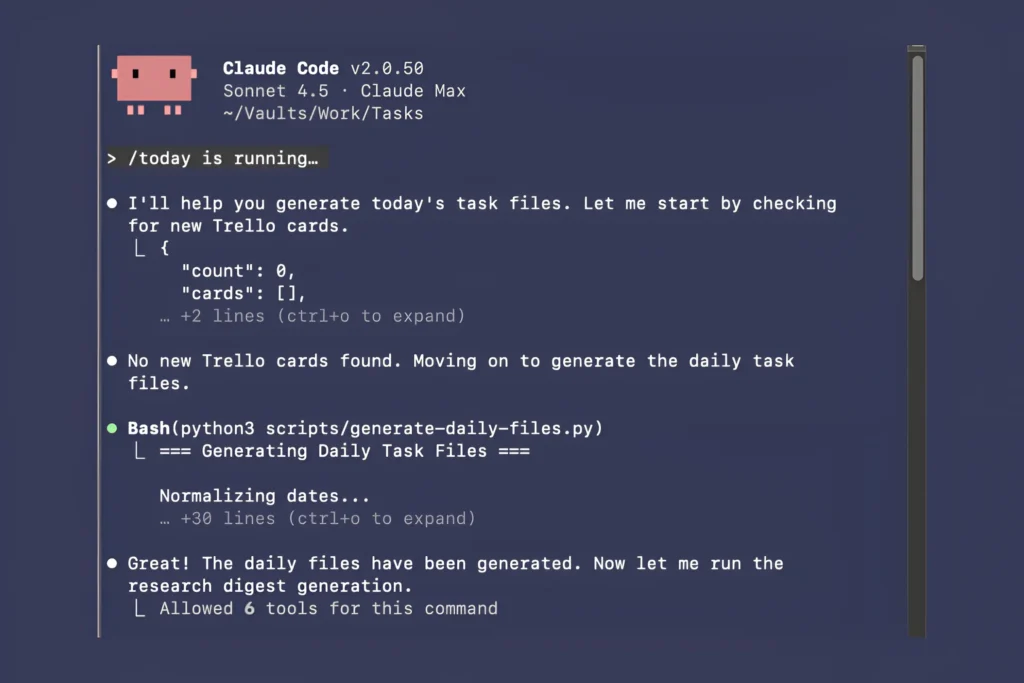
Conclusion
The capability of AI to control a computer represents a significant change in terms of moving from being an assistive technology to actually executing commands. In terms of technologies like Claude, for example, tasks that used to be multistep have been simplified into single commands.
In other words, programmers, content creators, and users can now save time and enhance automation using this technology. It should also be noted that learning how to use AI while retaining responsibility is going to prove valuable in the future.
FAQs
Can Claude AI really control my computer without my input?
No, not fully. Claude works based on your instructions and permissions. It can perform actions like clicking or typing, but it still requires guidance. Think of it as a smart assistant, not a fully independent system.
Is it safe to give Claude AI access to my computer?
It can be safe if used carefully. You should limit permissions, avoid sensitive apps (like banking), and always monitor its actions. Security depends more on how you use it than the tool itself.
How is Claude AI different from tools like GitHub Copilot?
GitHub Copilot helps you write code, while Claude can go further by interacting with your system, opening files, running programs, and executing workflows. It’s more like an active agent than just a coding assistant.
Do I need coding skills to use Claude for automation?
Not necessarily. One of the biggest advantages is that you can give instructions in plain English. However, having basic technical knowledge helps you get better and more accurate results.
Will AI like Claude replace developers in the future?
No, but it will change how developers work. Instead of doing repetitive tasks, developers will focus more on problem-solving and guiding AI. Those who adapt will have a strong advantage.

 Anjali Bhardwaj